

Adobe Photoshop Master Course
Adobe Photoshop Master Course
Couldn't load pickup availability
Not satisfied with this course in first 07 days? We offer a complete refund. No conditions apply.
Transform into a high-paid graphic designer with our agency-styled Photoshop Master Course. Learn in Tamil, build a stunning portfolio, and master real-world skills from basic tools to cinematic poster design.
- 30+ Hours of Practical Content across 40+ detailed modules.
- Real-World Projects: Design social media ads, flyers, and professional layouts.
- Recognized Certification to validate your creative expertise.
- 01 Year Access & Updates plus a dedicated community support forum.
- Beginner-Friendly: Start from scratch, no prior experience needed.
Unlock Your Design Potential with the Adobe Photoshop Master Course
Today, every business needs a strong creative presence. With the graphic design market growing at an exponential 25-30% yearly in India, there has never been a better time to master Photoshop. Stop struggling with random tutorials and step into a professional, agency-backed learning experience crafted entirely in Tamil.
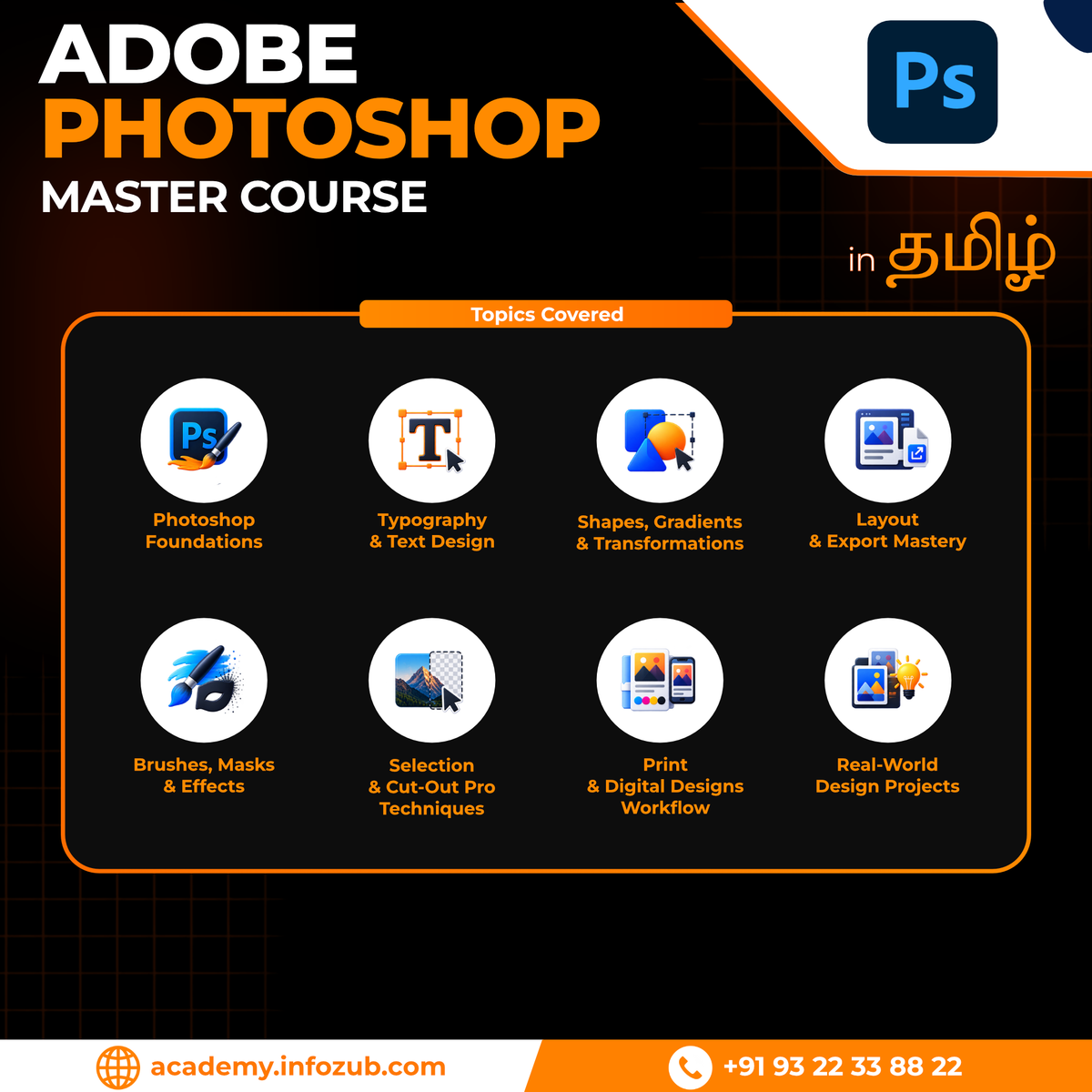
What Will You Learn
01
Module 01: Photoshop Foundations
02
Module 02: Typography and Fonts
03
Module 03: Shapes, Gradients and Transformations
04
Module 04: Layout and Export Mastery
05
Module 05: Brushes, Masks and Effects
06
Module 06: Selection and Cut-Out Pro Techniques
07
Module 07: Print and Digital Designs Workflow
08
Module 08: Real-World Design Projects
Course Completion Certificate

"Turn your new skills into a recognized credential. Graduate from Infozub Digital Academy with a professional certification designed to boost your credibility and unlock new career prospects."
Course Demo Videos
Collapsible content
What is the duration of the course?
This course is self-paced learning. So there are no time limitations. You will have life-time access.
Do I require any prior experience to enroll?
You require basic computer skills and logical thinking to understand concepts and strategies.
Is this online or offline course?
This course is 100% Online Self-Paced Learning Course with Pre-Recorded Video Modules.
Will I get course certificate?
Yes, once you complete learning the entire course, you will receive a Digital Certificate.
What is unique about this course?
Practical Training, Real-World Strategies, Agency-Styled Learning and Backed by our 13+ years of Agency Experience.
Will you keep this course updated?
Yes, we update the course periodically and you will receive in LMS.
Can I switch different course after purchased?
If you have purchased a course by mistake and have not completed more than 5% of the modules, we will help you to switch to a different course of your choice.
Can I download the videos?
In LMS mobile app, we have given the option to save the videos so you can watch offline (without active internet connection). You can access the videos in the LMS (Learning Management System), But you cannot download or share the videos.
After making payment, how long will it take to start learning?
You will receive access almost immediately after making the payment. Please check your email for access to LMS (Learning Management System). In very rare scenarios (like payment gateway issues), you have to wait up to 24 hours to receive access.
Do you give all softwares, tools, platform-access, subscriptions?
No. Whatever mentioned in this course is the educational purpose only. We do not give any software, tools, platform-access, subscription access.